
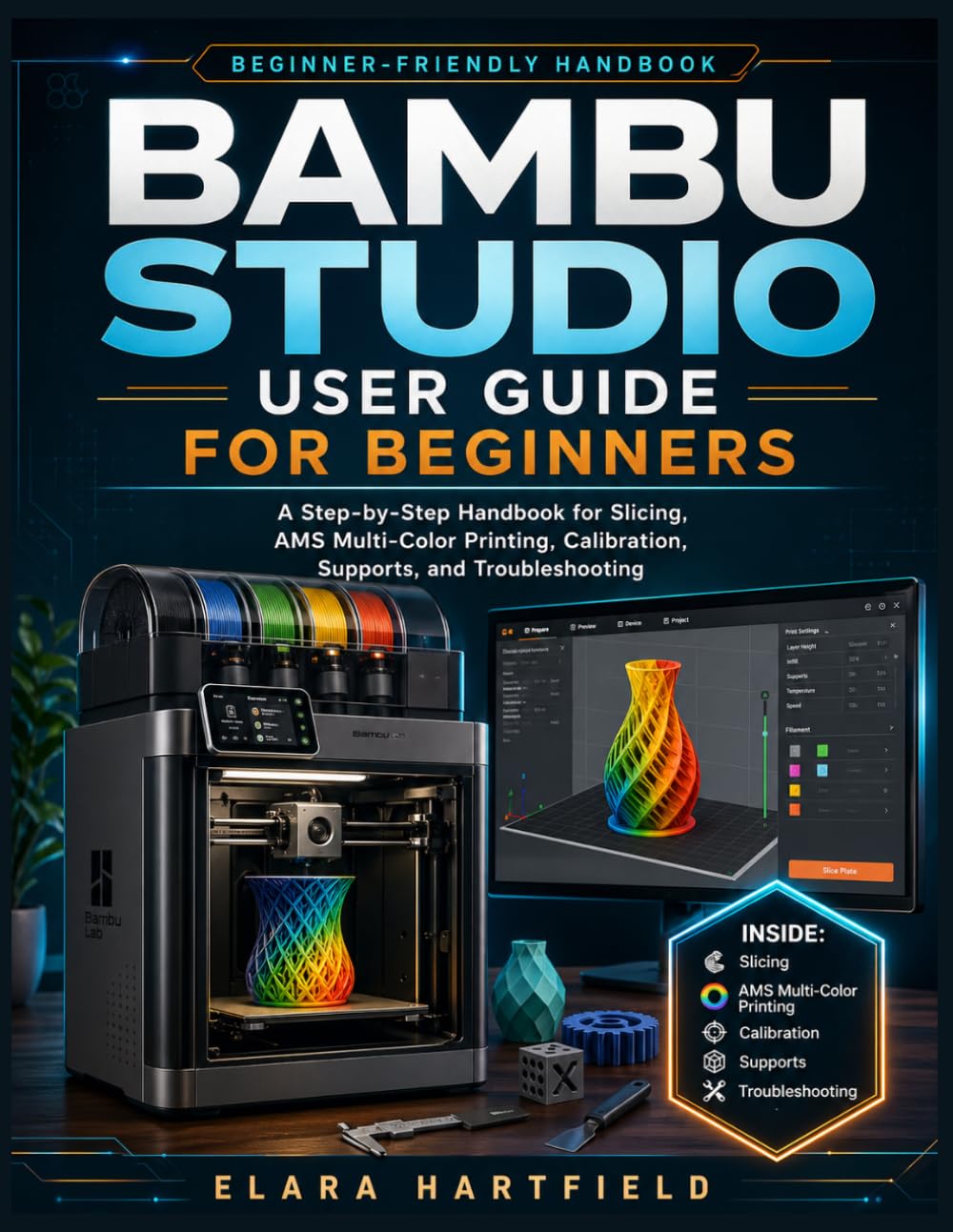
Bambu Studio User Guide for Beginners: A Step-by-Step Handbook for Slicing, AMS Multi-Color Printing, Calibration, Supports, and Troubleshooting
Produktdetails
| Artikelnummer | 233473939 | Erscheinungsdatum | 2026/06/27 | Listenpreis | €8.62 | Modellnummer | 233473939 | ||
|---|---|---|---|---|---|---|---|---|---|
| Kategorie | |||||||||
Are you excited about 3D printing, but still confused by Bambu Studio?You are not alone. Many beginners buy a powerful Bambu Lab printer expecting smooth, clean prints, only to get stuck inside the slicer. The model looks fine, but the print fails. The support settings feel confusing. The AMS setup creates more waste than expected. Calibration sounds technical. Profiles, plates, nozzles, preview tools, filament settings, and troubleshooting options all appear at once, and suddenly 3D printing feels more frustrating than fun.The truth is simple: your printer can only perform as well as the job you prepare before printing.That is where Bambu Studio User Guide for Beginners gives you the clear, calm, step-by-step help you need.Written for complete beginners, hobbyists, makers, teachers, and new Bambu Studio users, this practical handbook teaches you how to move from guessing to understanding. Instead of overwhelming you with technical theory, it walks you through the real workflow of preparing better prints, making smarter slicer decisions, and avoiding common beginner mistakes.Inside this guide, you will learn how to:Install and set up Bambu Studio with confidenceUnderstand the Prepare, Preview, and Device workspacesImport STL, STEP, 3MF, OBJ, and AMF files correctlyChoose the right printer, nozzle, plate, filament profile, and process presetMove, rotate, scale, mirror, duplicate, cut, and organize modelsUse normal supports, tree supports, hybrid tree supports, support painting, brims, skirts, and adhesion settingsSlice your model and read the preview before sending it to the printerSpot weak areas before they become failed printsSend and monitor print jobs more confidentlyPrepare AMS and multi-color projects without unnecessary confusionReduce purge waste during filament changesCreate custom filament presets and reusable workflowsUse flow rate and flow dynamics calibration more practicallyTroubleshoot first-layer problems, stringing, blobs, rough surfaces, support scars, profile mistakes, and morePractice with guided projects that turn learning into real resultsThis book includes a beginner-friendly progression from installation and interface basics to slicing, supports, AMS printing, calibration, troubleshooting, and hands-on practice projects. The table of contents also shows dedicated chapters for AMS, calibration, troubleshooting, guided tutorials, keyboard shortcuts, a glossary, troubleshooting quick reference, and recommended practice models.This is not a guide about memorizing every setting. It is a guide about learning how to think through a print job from start to finish.Whether you want cleaner surfaces, fewer failed prints, better supports, smarter AMS workflows, or more confidence before pressing print, this book gives you the practical foundation you need.Stop wasting filament on avoidable mistakes. Start preparing your prints with confidence.Bambu Studio User Guide for Beginners is your step-by-step handbook for turning slicer confusion into better, more reliable 3D printing results. Read more
| ASIN | B0GYRC9MST |
|---|---|
| ISBN13 | 979-8259087033 |
| Language | English |
| Publisher | Independently published |
| Dimensions | 8.5 x 0.48 x 11 inches |
| Item Weight | 1.36 pounds |
| Print length | 210 pages |
| Publication date | April 27, 2026 |
Korrektur der Produktinformationen
Wenn Sie Unvollständigkeiten oder Fehler in den Produktinformationen auf dieser Seite bemerken, nutzen Sie bitte das Korrekturformular unten.
KorrekturanfrageKundenbewertungen
Für dieses Produkt liegen derzeit keine schriftlichen Bewertungen vor.